Automatic Instagram Likes on
Every Post You Publish
Automatically receive Instagram likes every time you publish a new post. Set your preferred number of likes once, and our Instagram auto likes service handles future posts automatically.
How it works
Set up in 60 seconds. Set it once and keep it running on your terms.
Unlike one-time orders, Auto Likes monitors your account and fires the moment a new post is detected — giving every piece of content the same powerful early boost.
Auto Likes continues processing eligible posts until you pause it, reach your selected post limit, or choose an expiry date.
Fully automatic
Set it once. Likes can begin arriving within minutes after your new post is detected, depending on your selected delay — zero manual work.
Starts within minutes
Likes can begin arriving within minutes of publishing, giving each post visible early momentum.
Consistent engagement
Gives every post a consistent baseline of early engagement and visible momentum.
No password needed
We only need your public username — your login credentials stay completely private.
New to automatic Instagram likes? Here's how it works
Enter your public username once, set how many likes each post gets, and let it run. The service watches for new posts and delivers likes automatically within minutes of publishing.
Build a Consistent Engagement Baseline
Auto Likes helps every eligible post begin with visible activity. Over time, this creates a more consistent level of engagement across the content you publish.
Auto likes accumulated over 7 days
Delivery speed per post (first 24 hours)
Pricing
Auto Likes packages
All prices are per 1,000 likes. Cancel or adjust anytime.
Who it's for
Who Automatic Instagram Likes Are For
Content Creators
Maintain a consistent level of engagement across every new Instagram post without placing a separate order each time.
Brands and Online Stores
Automatically support product launches, promotions, announcements, and other content as soon as it is published.
Influencers
Choose a fixed quantity or randomized range of likes to create a more consistent engagement baseline.
Agencies and Social Media Managers
Set up automatic likes for client accounts and reduce the time spent manually ordering engagement for each post.
Every order can be customized with your preferred quantity, delivery delay, post limit, and expiration date. No Instagram password is required. Browse all our Instagram growth services to build a complete strategy.
Automate your Instagram engagement today
Stop ordering likes manually for every post. Enable Auto Likes and give every post a consistent start.
Enable Auto LikesNo password needed · Pay per like · Cancel anytime
See it in action
How Social Guys works
Watch our quick explainer to see how easy it is to place your first order.
How it works
How Automatic Instagram Likes Work
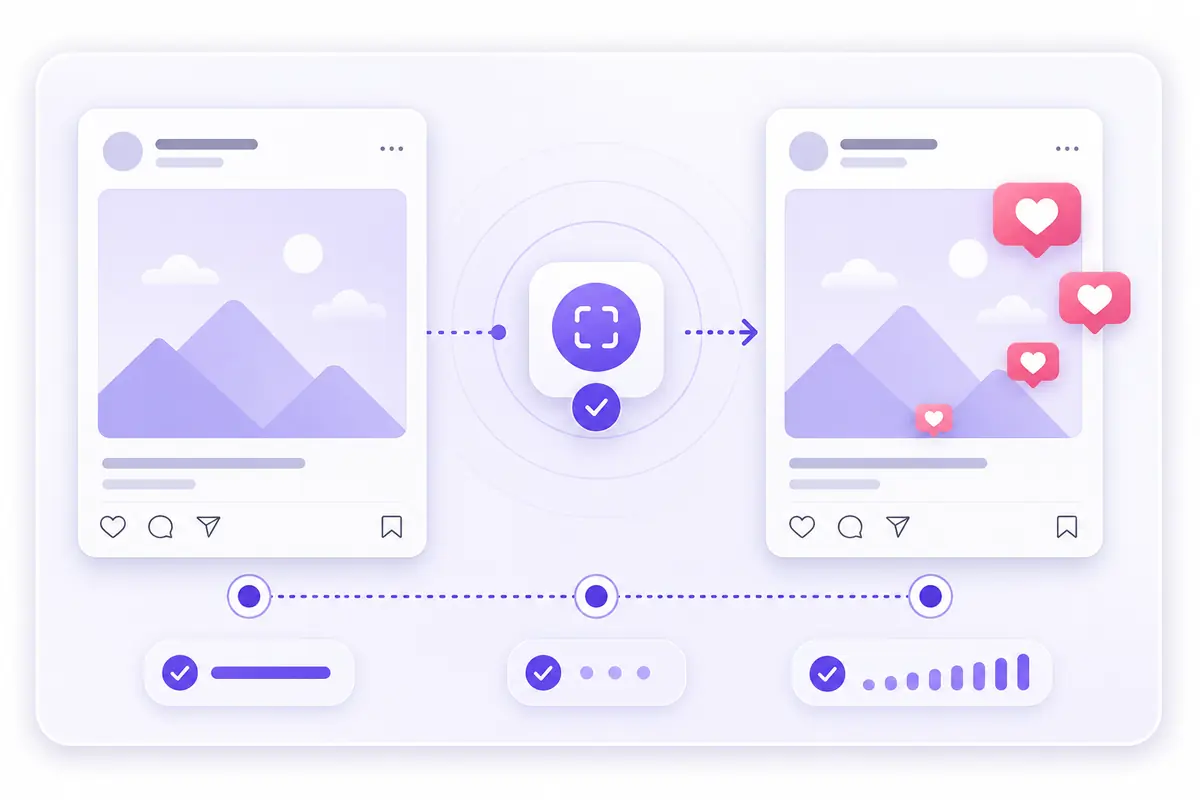
Instagram auto likes run on a simple idea: configure the service once, and it monitors your account for new posts in the background. The moment you publish, the system detects the post within minutes and automatically delivers the number of likes you chose — no manual orders and no per-post checkout, unlike our one-time Instagram likes service.
You only need your public username to get started; no password is ever requested. Early engagement gives each new post visible activity shortly after it is published, helping you maintain a more consistent appearance across your content. For a complete growth setup, pair auto likes with automatic Instagram views on your Reels and grow your audience with Instagram followers.
Benefits
Why Use Instagram Auto Likes?
Consistent engagement on every post
Not just your viral hits—automatic Instagram likes give every eligible post a strong, consistent baseline of visible engagement.
Saves hours of manual ordering
Stop pasting a new post URL and checking out for each upload. Set your preferences once and our Instagram auto like service handles the rest for as long as you keep it active.
Early momentum when it matters most
Likes that begin arriving shortly after publishing give each post visible activity from the start.
No password, no account access
We only need your public username. Your login credentials stay private, and delivery uses gradual, natural-looking patterns.
Quantity
Choose How Many Likes Each Post Receives
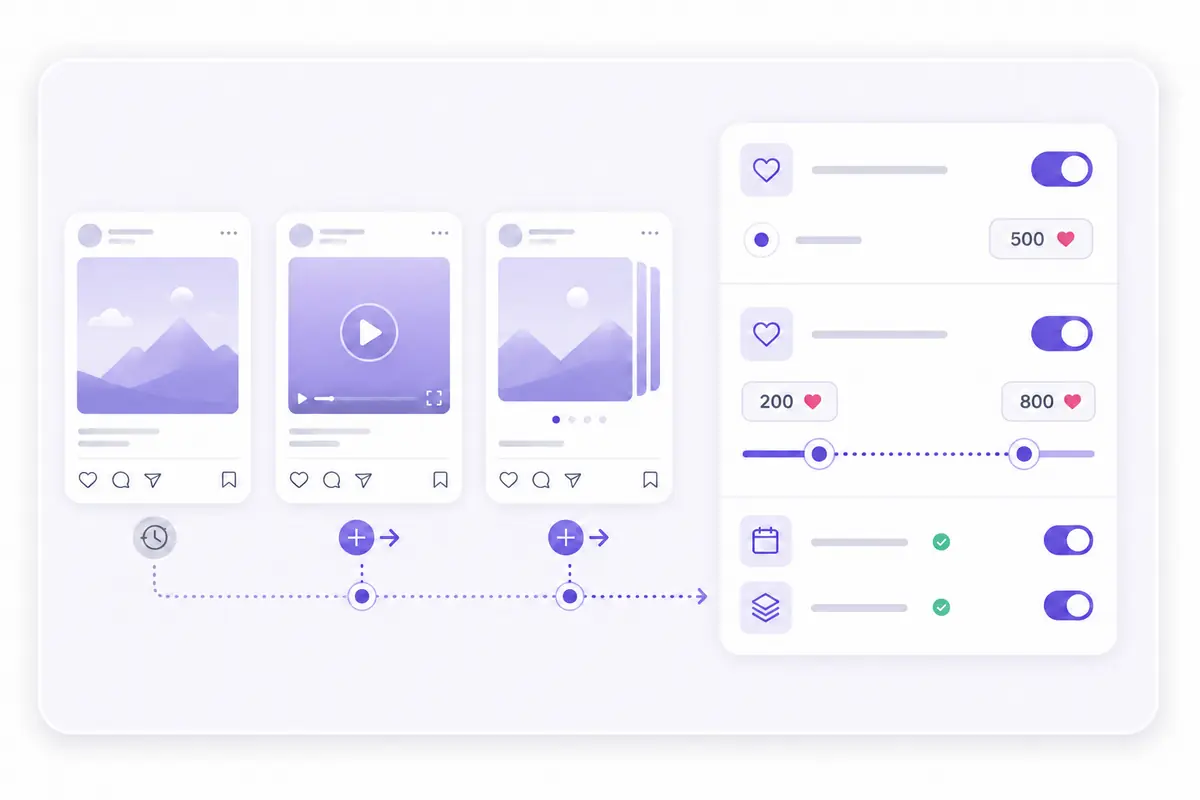
The quantity setting decides how many likes each eligible post gets. Set the Minimum and Maximum to the same number for a steady count on every post — for example, 500 / 500 — or use a range like Min 200 / Max 500 so the total varies naturally from post to post.
Most accounts stay within the 1,000–50,000 range per post. Depending on the package, you can set as few as 10 likes or scale up to 300,000 on a single post. When you buy Instagram auto likes, this is the single most important setting for matching the engagement to your account size.
Coverage
Automatic Likes for New Instagram Posts
The “New posts” field controls how many of your future uploads the service covers. Enter a number like 20 and the next 20 posts you publish will each receive automatic likes on Instagram automatically. Leave it blank (or set it to 0) to keep the service running on every new post indefinitely, until you stop it or set an expiry.
This makes Instagram automatic likes ideal for creators who post on a regular schedule — you set it once and every photo, Reel, and carousel you publish gets the same reliable boost without any extra effort.
Backfill
Add Likes to Existing Instagram Posts
The “Old posts” field applies automatic likes on Instagram to content that's already on your profile, working backwards from your most recent post. Enter 10, for example, and your 10 latest existing posts each receive the chosen quantity of likes.
Leave it blank or set it to 0 if you only want likes on posts you publish from now on. Using both New and Old posts together is a quick way to give your whole profile a consistent engagement baseline in one order. For Reels and video content, run the same automation with our Automatic Instagram Views service, or boost specific videos with one-time Instagram views.
Timing
Set a Delay Before Likes Start
The Delay option decides how long the service waits after detecting a new post before it begins sending likes. Choose “No delay” to start delivery as soon as possible, or set a short wait so engagement builds up gradually, which creates a more gradual delivery pattern.
You can also set an Expiry date to end the service on a specific day, useful for running an automatic likes campaign over a fixed period. Without an expiry, the service keeps running on every new post until you stop it from your dashboard.
Setup
How to Set Up Automatic Instagram Likes
Getting started takes about a minute. For most customers who want automatic likes on future Instagram posts, use the following setup:
- 1Select “Instagram Automatic Services” as the category, then choose the regular Instagram Auto Likes service.
- 2Enter only your public Instagram username. Do not include the @ symbol or complete profile URL.
- 3Leave “New Posts” blank for ongoing service, or enter a number to cover a specific number of future posts.
- 4Leave “Old Posts” blank if you only want future posts included, or enter the number of existing posts you want covered.
- 5Enter your desired Minimum and Maximum quantity. Use the same number for a fixed amount or a range to vary the quantity between posts.
- 6Choose your preferred Delay. Select no delay for the fastest start or add a wait before delivery begins.
- 7Leave Expiry blank if you want the service to continue until you stop it, or select a date for it to end automatically.
- 8Review the charge and submit your order.
Once the order is configured, continue posting to Instagram normally. The automatic service will process eligible new posts according to the settings you selected.
Want to cover your Reels and videos automatically too? Pair auto likes with our Automatic Instagram Views service for a complete engagement setup.
Enable Auto LikesStep by step
Walkthrough of the order form
Each step below highlights the exact fields you'll see on the New Order form and explains what to enter.
Select your Category & Service
The order form starts with two dropdowns that tell the system which platform and which automatic service you want to run.
Category
The broad group the service belongs to. For automatic Instagram engagement, select “Instagram Automatic Services.” This filters the Service list below so only auto-style options appear.
Service
The specific automatic product tied to the category. Each service has an ID and a per-1,000 price (e.g. “29 - Instagram Auto Likes - $0.17 per 1000”). Other automatic services in this category can include Auto Views, Auto Saves, and Auto Impressions.
Order form reference
Purple ring = the field(s) covered in this step
Enter your Instagram Username
This is how the system knows which account to monitor for new posts. It's the only identifier required — no password is ever needed.
Username
Your public Instagram handle. The system watches this account for newly published posts and automatically applies likes to them based on the settings below.
Order form reference
Purple ring = the field(s) covered in this step
Set New posts & Old posts
These two fields control which posts the automatic service covers — future ones, existing ones, or both.
New posts
Limits the service to a specific number of future posts. Once you've published that many eligible posts, the service stops automatically processing new ones.
Old posts
Applies the service to posts that already exist on your account right now, in addition to future ones. It works backwards from your most recent post.
Order form reference
Purple ring = the field(s) covered in this step
Choose your Quantity (Min & Max)
These fields set how many likes each eligible post receives. You can use a fixed number or a range.
Minimum quantity
The lowest number of likes that can be sent to a single eligible post. Combined with the maximum, it sets the target range.
Maximum quantity
The highest number of likes that can be sent to a single eligible post. Use a higher Max than Min to let the quantity vary naturally from post to post.
Order form reference
Min: 10 - Max: 300 000
Purple ring = the field(s) covered in this step
Configure Delay & Expiry
These optional automation controls decide when the service starts on each post and when the whole service stops.
Delay
How long the service waits after detecting a new post before it begins sending likes. A delay can create a more gradual delivery pattern.
Expiry
A calendar date when your automatic service stops processing new posts entirely. Useful for running a campaign for a fixed period.
Order form reference
Purple ring = the field(s) covered in this step
Review the Charge & submit
Before you finish, check the cost and choose how you want to place the order.
Charge
A live read-only total calculated from your service, quantity, and post settings. It updates as you change your inputs.
Submit / Add cart
“Submit” places the order immediately. “Add cart” saves it to your cart so you can add more services and check out together.
Order form reference
Purple ring = the field(s) covered in this step
FAQ
Automatic Instagram Likes FAQ
Explore More Services